
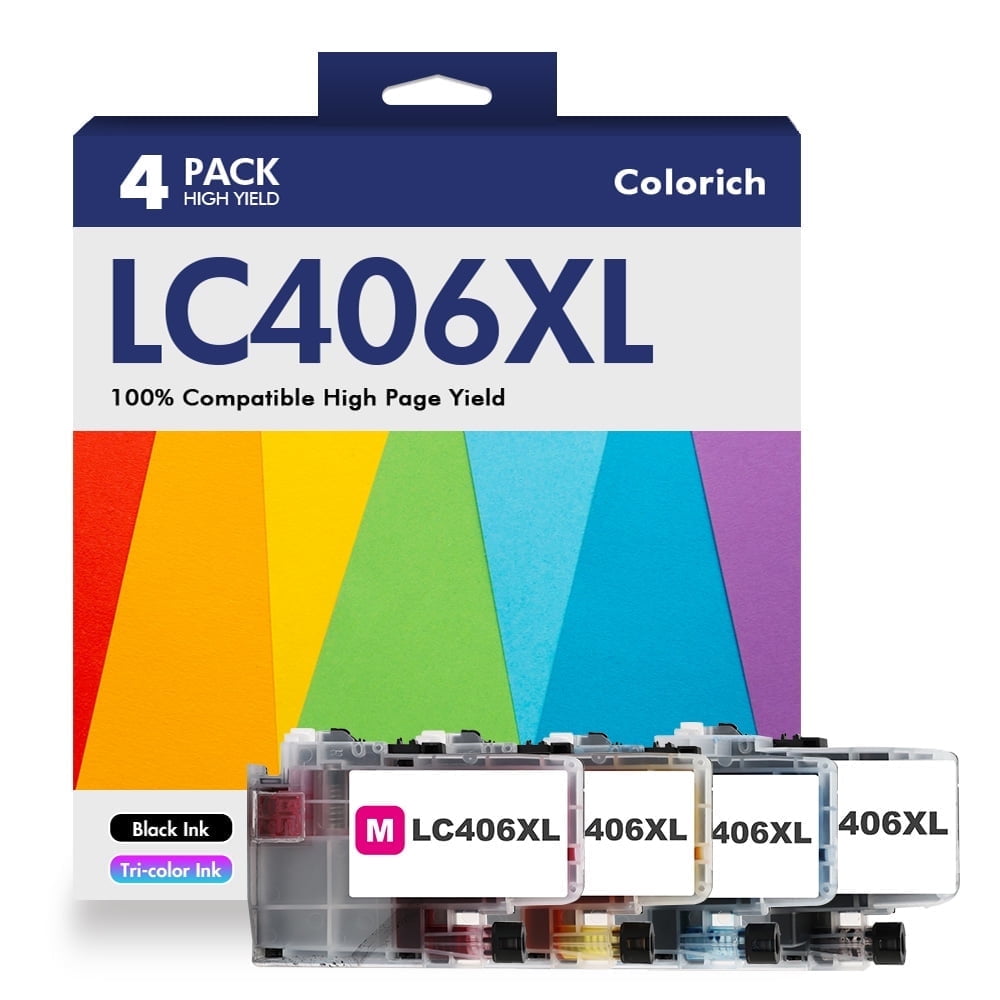
LC406XL LC406 Ink Cartridge Compatible for Brother MFC-J4335DW MFC-J5855DW Printer 406XL for MFC-J6555DW MFC-J4535DW MFC-J6955DW MFC-J4345DW MFC-J5955DW - 4 Pack Black Cyan Magenta Yellow
Product details
| Management number | 230517310 | Release Date | 2026/06/18 | List Price | US$9.48 | Model Number | 230517310 | ||
|---|---|---|---|---|---|---|---|---|---|
| Category | |||||||||
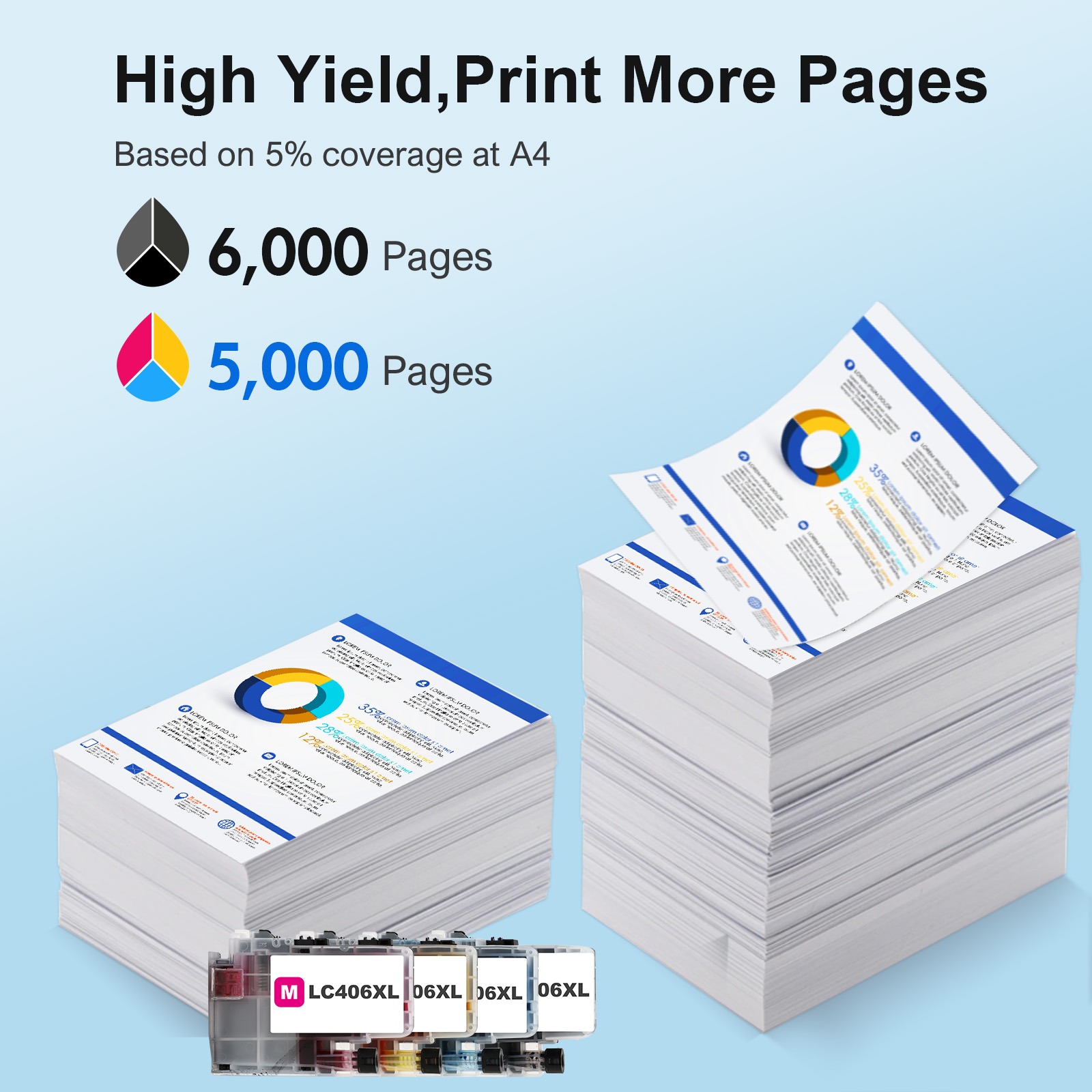
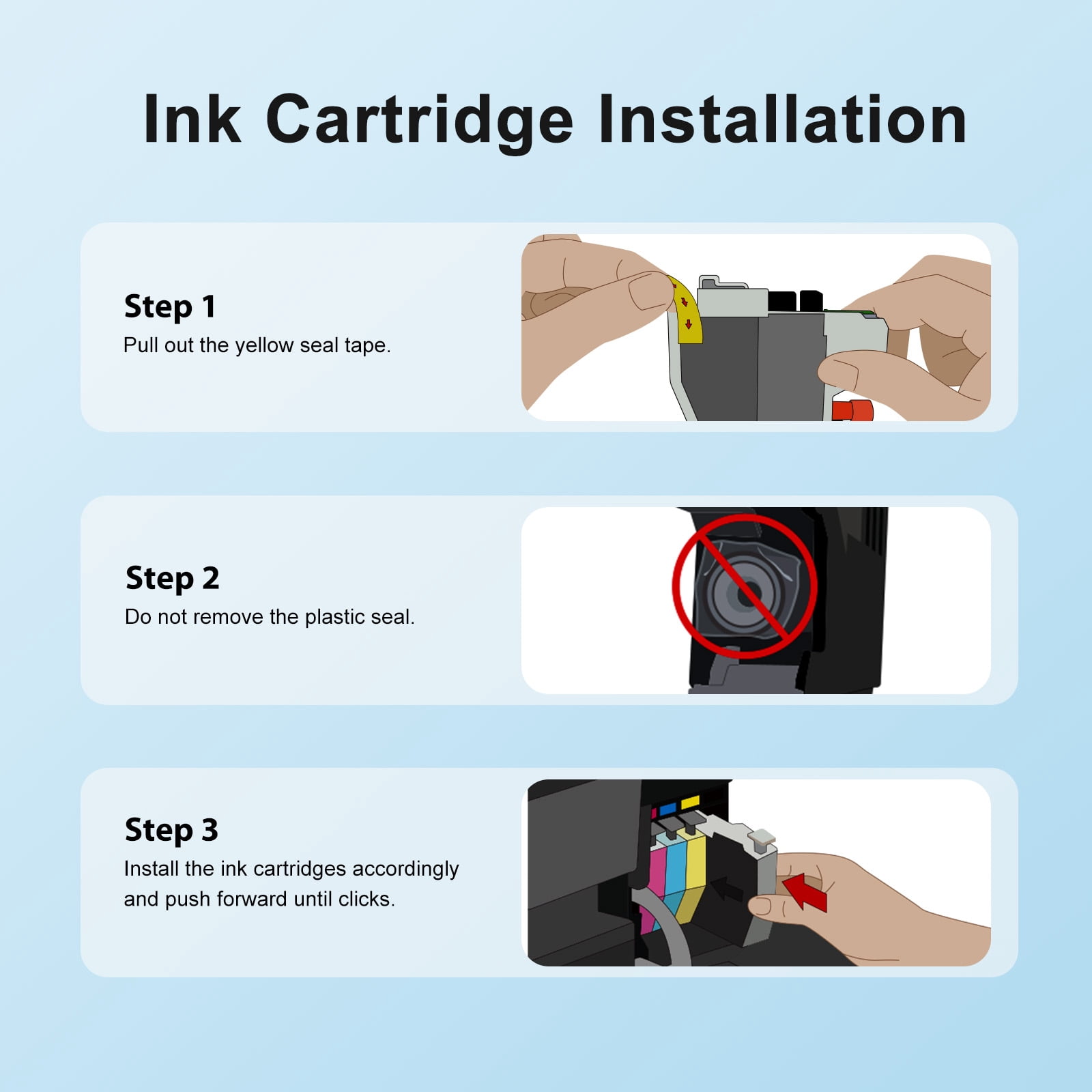
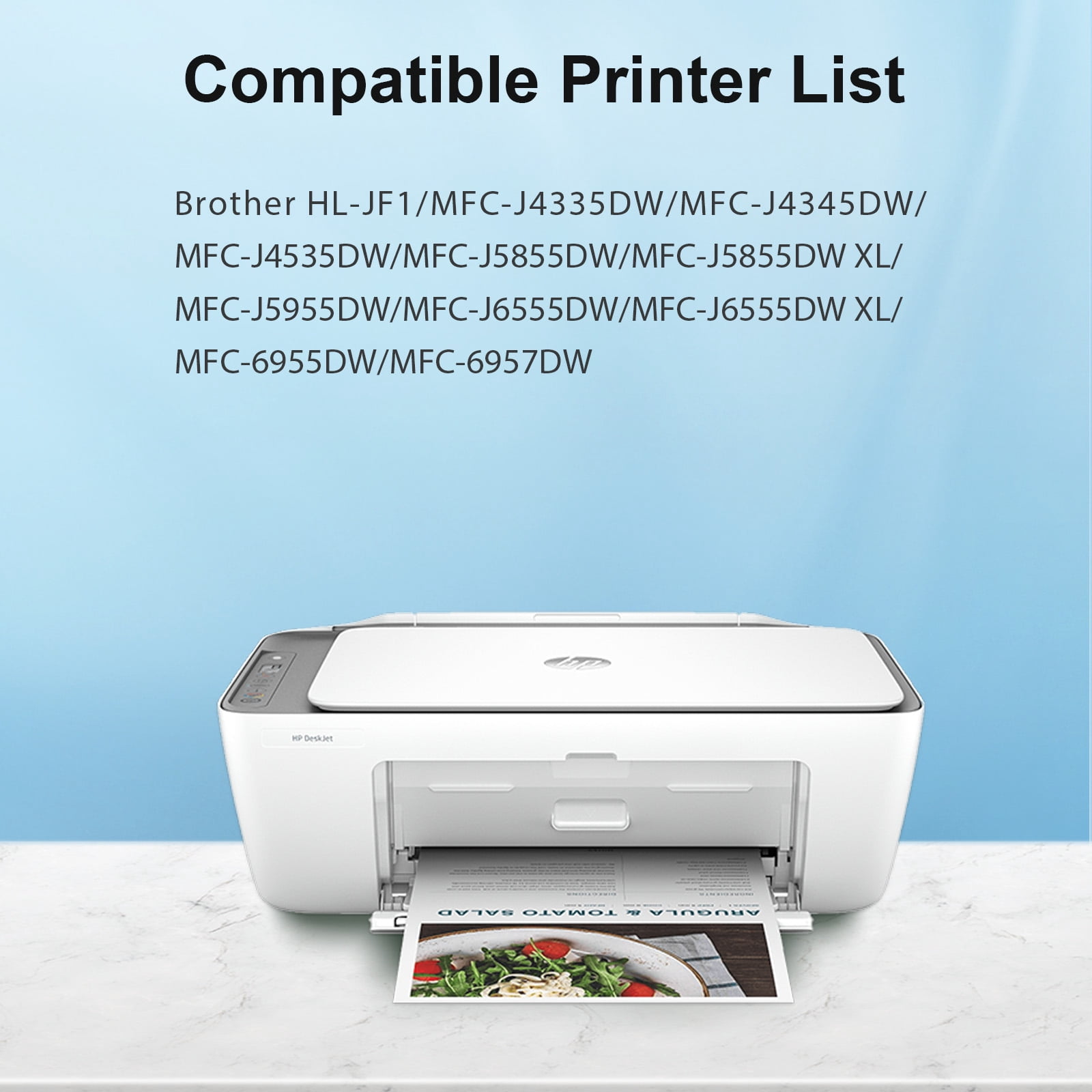
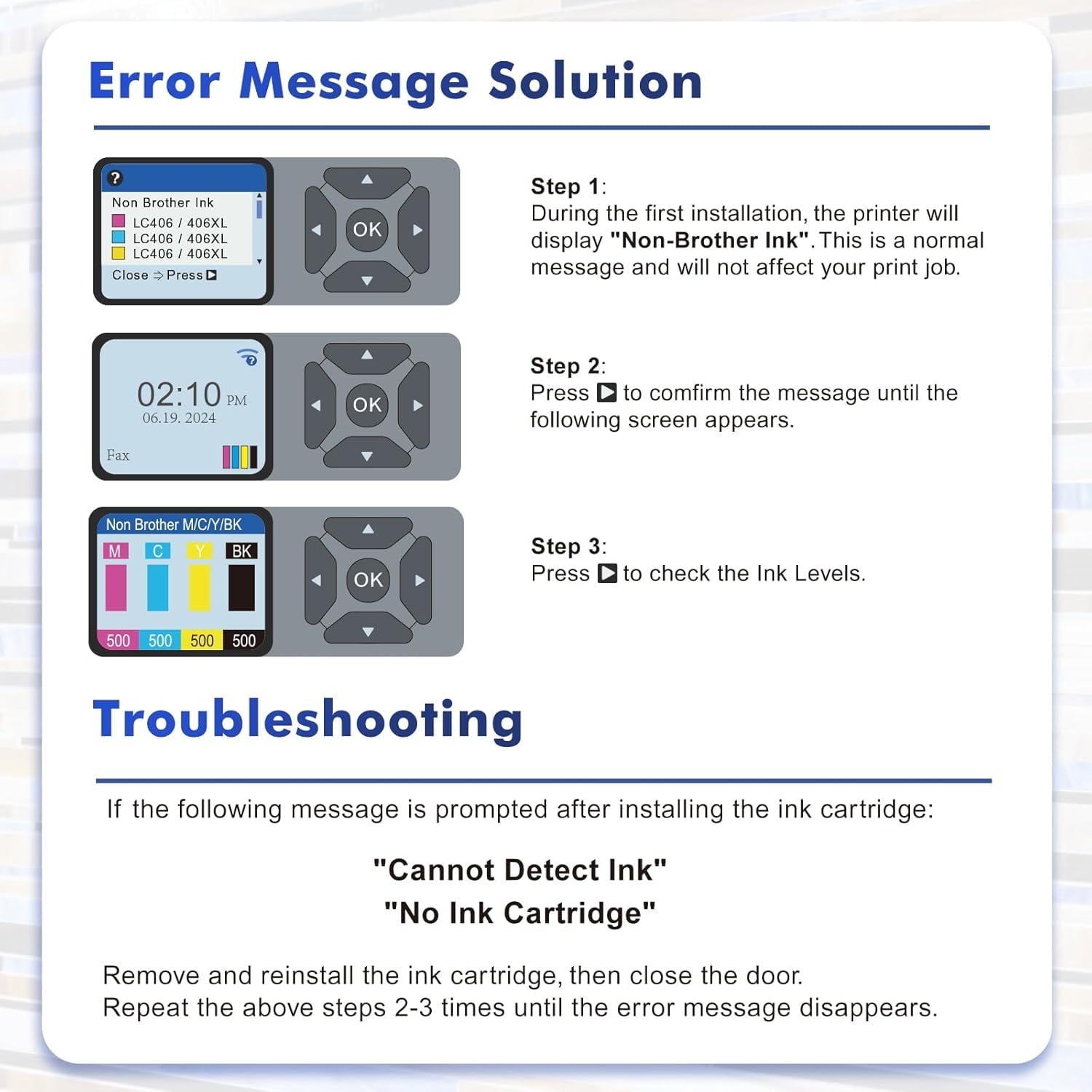
Package included:<br> LC406XL Ink Cartridge 1-Pack Black,1-Pack Cyan,1-Pack Magenta,1-Pack Yellow <br><br> High Page Yield :<br> 6000 Pages Per LC406XL Black Ink Cartridge(At 5% coverage)<br> 5000 Pages Per LC406XL Color Ink Cartridge(At 5% coverage)<br><br> Compatible LC 406 XL Ink Cartridge Compatible for MFC-J4335DW MFC-J4535DW MFC-J4345DWXL Printer:<br> MFC-J4335DW MFC-J5855DW MFC-J6555DW MFC-J4535DW <br> MFC-J6955DW MFC-J4345DW MFC-J5955DW HL-JF1<br> MFC-6957DW MFC-J5855DW XL MFC-J6555DW XL <br><br> Warm Tips: Please carefully check the compatible printer models of the lc 406xl ink cartridges for Brother printers and confirm your printer model before purchasing.<br><br>Error Message Solution-Non Brother Ink LC406 /406XL<br> Step 1:<br> During the first installation, the printer will display "Non-Brother Ink". This is a normal message and will not affect your print job.<br> Step 2:<br> Press Dto comfirm the message until the following screen appears.<br> Step 3: <br> Press to check the Ink Levels.<br><br> Troubleshooting-"Cannot Detect Ink" or "No Ink Cartridge"<br> 1. If the following message is prompted after installing the ink cartridge:<br> "Cannot Detect Ink" "No Ink Cartridge"<br> 2. Remove and reinstall the ink cartridge, then close the door.<br> 3. Repeat the above steps 2-3 times until the error message disappears.<br><br> Installation Steps:<br> Step 1: Tear off the sealing tape<br> Step 2: Remove the protective cap carefully<br> Step 3: Install the ink cartridge into the corresponding slot<br> (Attention: Do not touch the chip or the ink port)
- Compatible Printers: MFC-J4335DW MFC-J5855DW MFC-J6555DW MFC-J4535DW MFC-J6955DW MFC-J4345DW MFC-J5955DW HL-JF1 MFC-6957DW MFC-J5855DW XL MFC-J6555DW XL
- High Page Yield: It yields up to 6000 pages for each LC406 406XL Black Ink and 5000 pages for each 406XL Color Ink at 5% coverage (A4e letter)
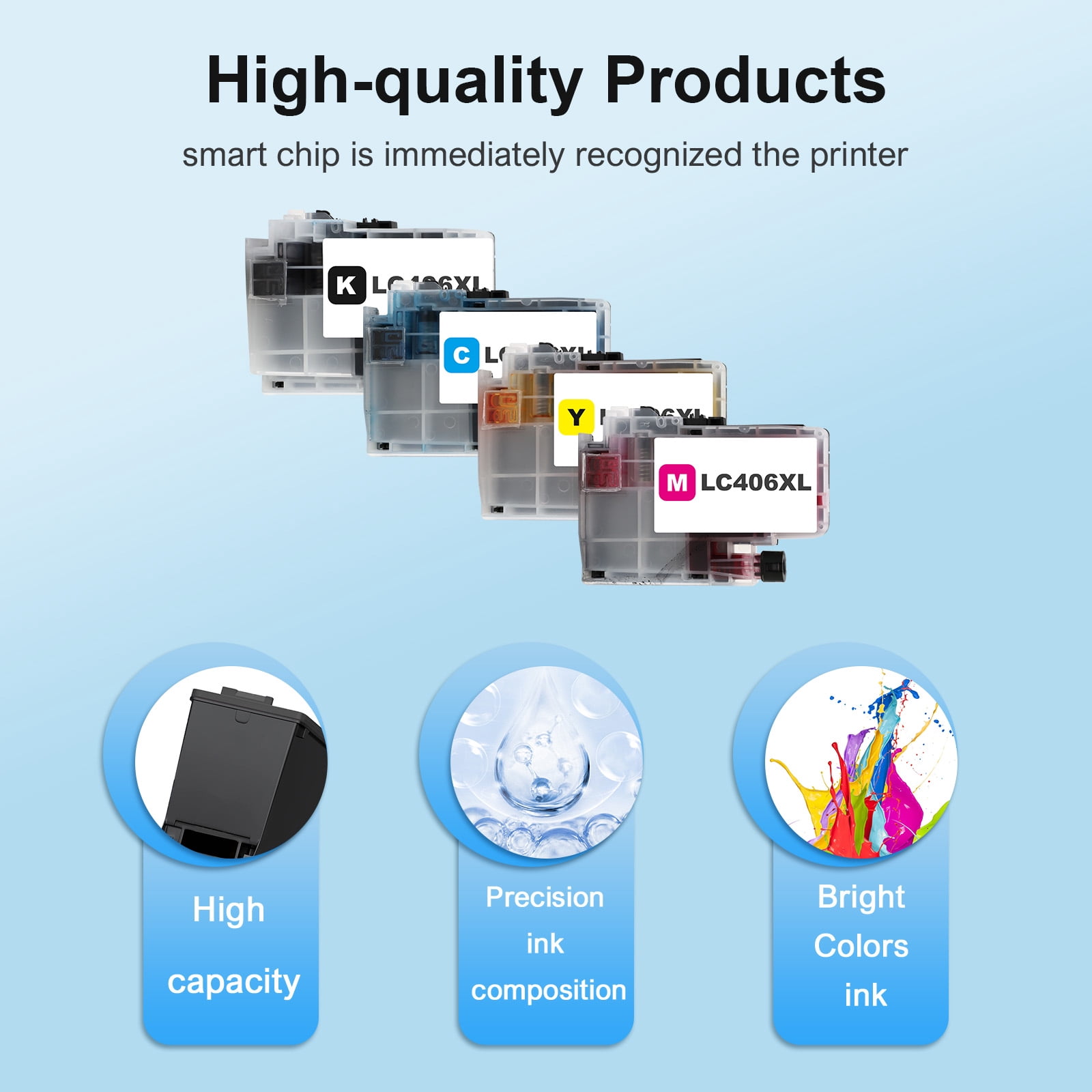
- Package Content: LC406 LC406Xl Ink Cartridges Combo Pack (1* LC406XL Black, 1* LC406XL Cyan, 1* LC406XL Magenta, 1* LC406XL Yellow Ink Cartridge)
- Please Note: This is not an OEM LC 406XL 406 Ink Cartridges for Brother Printers
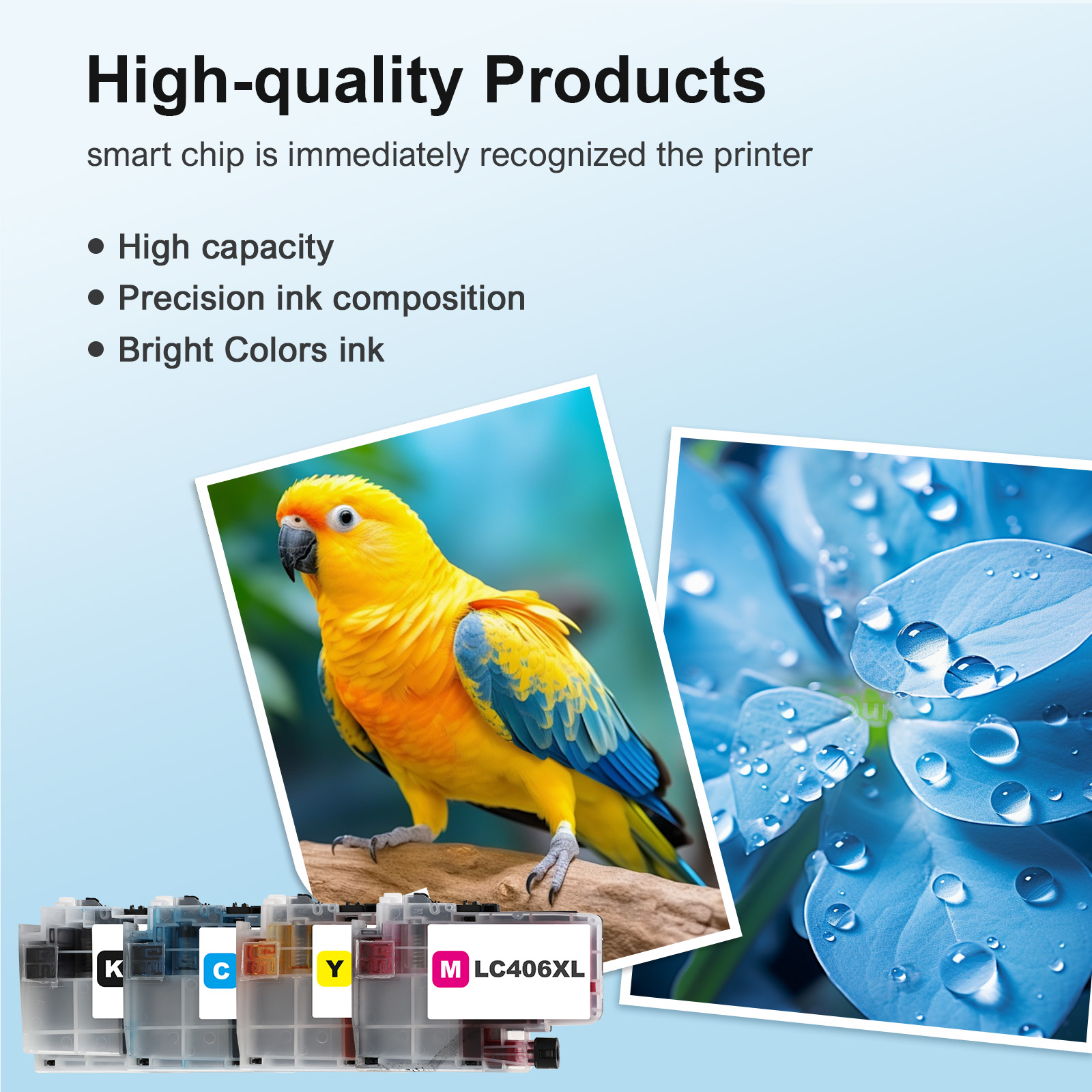
- Advantage: Smooth and Vivid Print Experience, High Page Yield, Environmentally Friendly, Quality Assurance, Professional Service
| Compatibility | Brother LC406 / LC406XL |
|---|---|
| Ink color | Black, Cyan, Magenta, Yellow |
| Printer cartridge page yield | 21500 |
| Brand | Colorich |
| Ink container type | Ink Cartridge |
| Printer cartridge type | Color |
| Model | Brother LC406 / LC406XL |
| Maximum page yield | 6500 Pages Black,5000 Pages Color *3 |
| Minimum page yield | 6500 Pages Black,5000 Pages Color *3 |
| Pack quantity | 4 |
| Items included | LC406 / LC406XL Ink Cartridge |
| Has written warranty | No |
| Retail packaging | Value Pack |
| Ink refill code | LC406 / LC406XL |
Bestseller ranking
Computers


Customers who viewed this product also viewed
Lag Screws


Correction of product information
If you notice any omissions or errors in the product information on this page, please use the correction request form below.
Correction Request Form